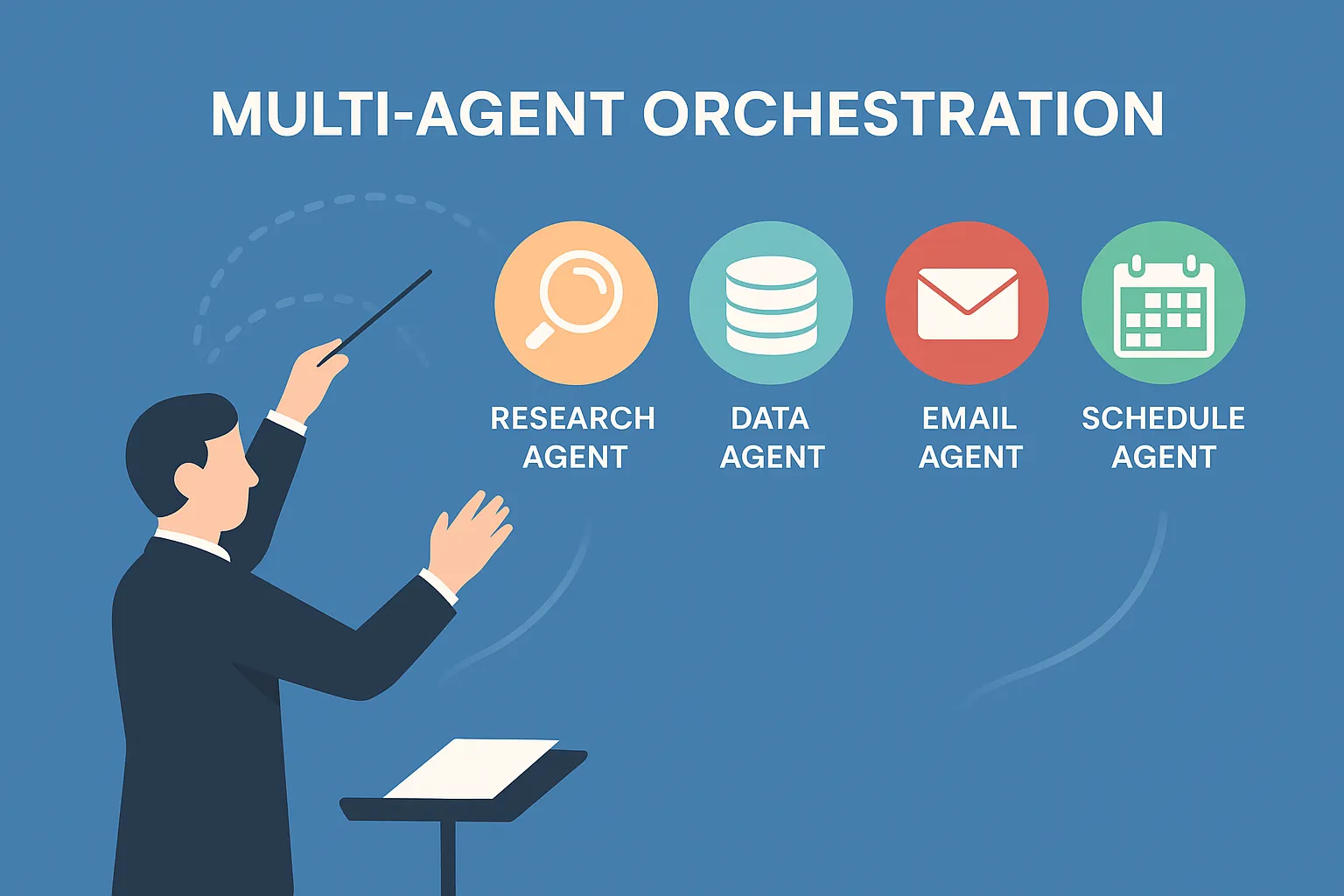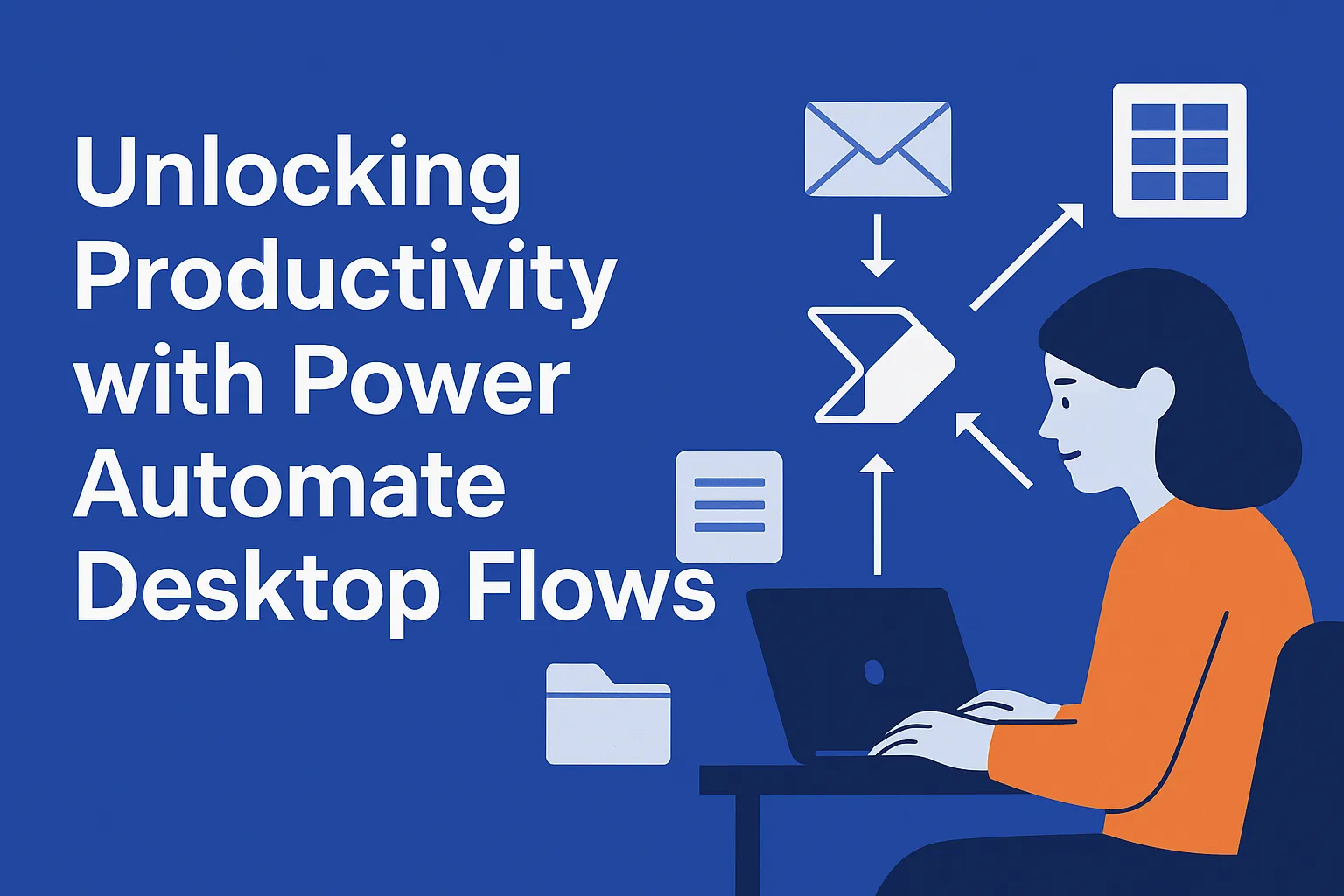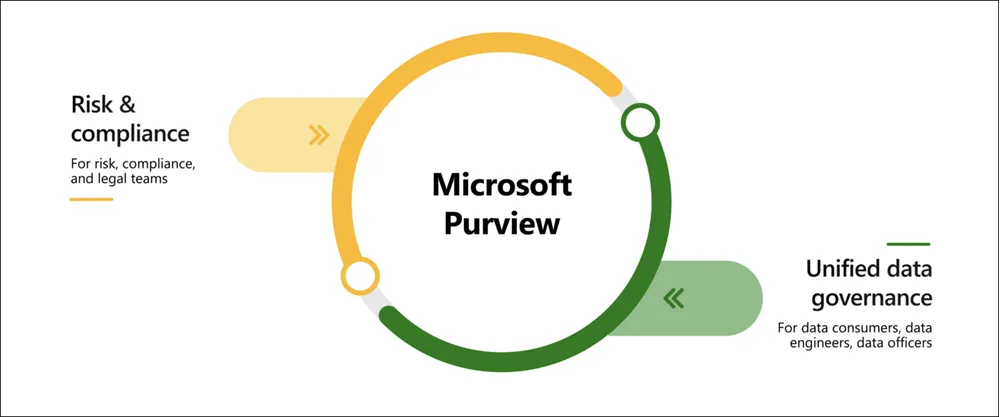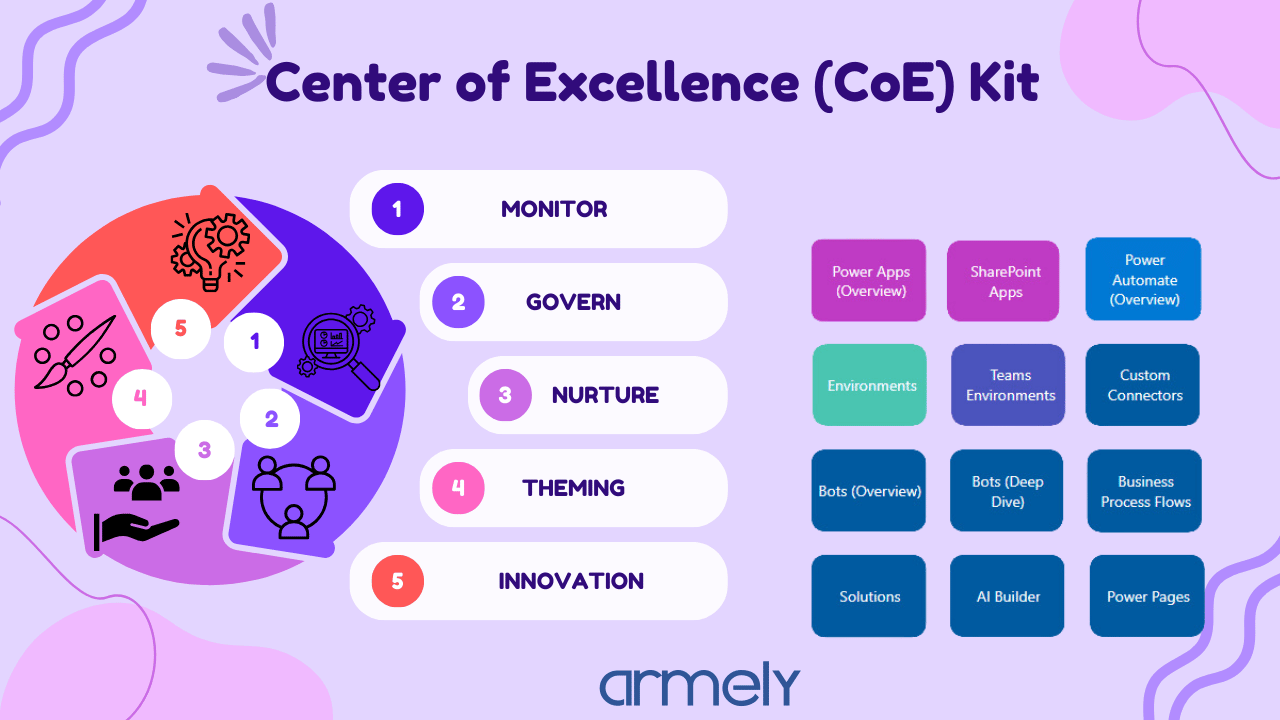

An employee needs a replacement laptop. The request arrives by email, a manager approves it in chat, and the operations team checks a spreadsheet before ordering. Everyone completes their part, but someone still has to connect the steps. A new form might make submission easier. Improving the whole process means dealing with the data, decisions and exceptions behind that form.
That is a useful way to read the announcements from Power Platform Community Conference 2026. Microsoft is making it easier to build apps with AI and connect agents to business systems. The opportunity for your organization is to turn those capabilities into work that moves reliably from request to completion.
What stood out at PPCC 2026
The main conference ran October 27–29 in Las Vegas. Microsoft’s closing recap emphasized connected business processes that bring apps, automation and agents together. It also highlighted continued investment in the existing Power Platform tools that teams already use. [1] [2]
Our reading is that existing applications and process knowledge deserve a fresh look. Before starting a new AI project, examine where people repeatedly copy information, explain the same rules or chase a decision. Those points of friction can give a pilot a clear purpose.
The updates below connect around the illustrative equipment-request process. They cover how you build the experience, how an agent understands the request, how it performs an approved action and how the team checks the result.
AI moves into the app building process
On October 27, Microsoft announced agentic authoring inside Power Apps canvas studio in preview. Makers describe a change, review the proposed plan and let the agent work in the app. Access requires the relevant tenant setting and a GitHub.com sign-in. [3]
The in-studio preview is distinct from the canvas authoring agent plugin for external coding tools, which Microsoft says became generally available in September. Makers can continue using their existing canvas apps, tables and connectors, and edit the app manually. [3]
For our equipment-request app, a useful first task might be applying a consistent validation message across its screens. The maker can inspect a bounded change and test it with real requirements. That is a practical way to learn where assistance saves effort and where review still takes time.
Microsoft also shared the Dataverse plugin for Copilot Cowork at PPCC. Its October 28 walkthrough demonstrates building related tables and an app while reusing existing contact records. Changes are presented for approval, and Dataverse checks requests against the signed-in user’s permissions. [4]
Microsoft’s walkthrough notes that app building in Cowork requires Frontier enrollment. The hosting layer used in the example, Microsoft Copilot Managed Runtime, is in preview. These conditions belong in your evaluation plan before you commit to a deployment. [4]
For a new equipment app, reuse the organization’s authoritative employee and asset records where appropriate. Decide who can submit, amend and approve requests before generating screens. Faster app construction helps most when the team has already agreed what the app should do.
Agents need your business context
An agent can read that a laptop is “available” and still misunderstand the request. Does available mean physically in stock, unassigned, approved for that employee’s role, or ready for collection? The answer affects whether the request can proceed.
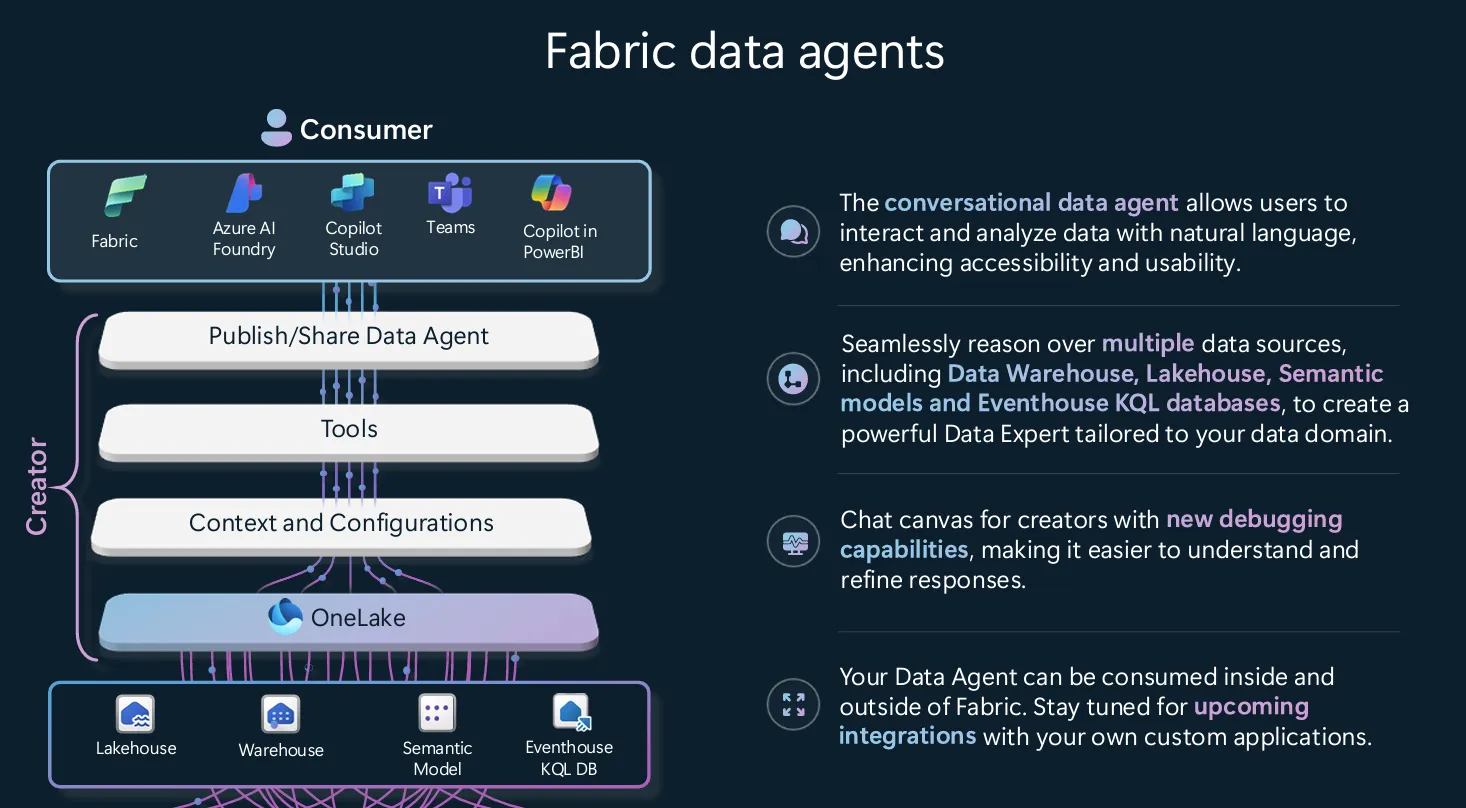
Microsoft’s October 23 update describes business applications in Work IQ as a public preview. The approach uses shared semantic models to describe business meaning and relationships, and reusable business skills to capture how work should be performed. Dataverse holds the models and skills. [5]
Related preview announcements include improvements to business-skill creation and version history, plus a Business Apps plugin in Cowork for working with existing Dynamics 365 and Power Apps applications. That business-context capability has a different purpose from the Dataverse app-building walkthrough above. [5]
For the equipment process, the preparation work is specific. Define what makes a replacement eligible, where asset availability is recorded and which approval applies to an exception. Assign an owner to each rule so the team knows who can resolve a disagreement.
Then test questions that expose ambiguity. An employee may already have an open request. A device may be reserved but not collected. A manager may have changed. The agent should ask for clarification or refer the case when the available records cannot support a reliable decision.
Our recommendation is to resolve these definitions for one process first. The resulting model and rules give makers a concrete basis for testing and give business owners something they can review.
Agents can call established business operations
Understanding a request is one step. Recording it correctly is another. An equipment request may need a request record, an approval task and a link to the employee. If only part of that work succeeds, the team inherits an incomplete process.
On October 26, Microsoft announced Custom API support in the Dataverse MCP Server. MCP, or Model Context Protocol, connects agents to tools and data. The new support lets an agent discover and call a defined Dataverse operation with specified inputs and outputs. Classic Custom Actions are not supported by this capability. [6]
Microsoft demonstrates server-side plug-in logic performing related Dataverse writes within one transaction. If the operation fails, those changes can roll back together. The transaction covers the Dataverse work; it should not be assumed to reverse an action in a separate purchasing or finance system. [6]
For the equipment scenario, a team could design a submit-request operation that checks required fields, enforces the relevant permissions and returns a request identifier. The agent helps gather the information, while the operation owns the validation. Duplicate submissions and failed calls should have explicit handling.
This is a useful reason to review business logic you already maintain. An existing operation may be a good starting point if it has clear inputs, predictable results and appropriate access controls. Giving an agent access to it still requires testing with the people and permissions involved in the actual process.
Running agents requires visibility and control
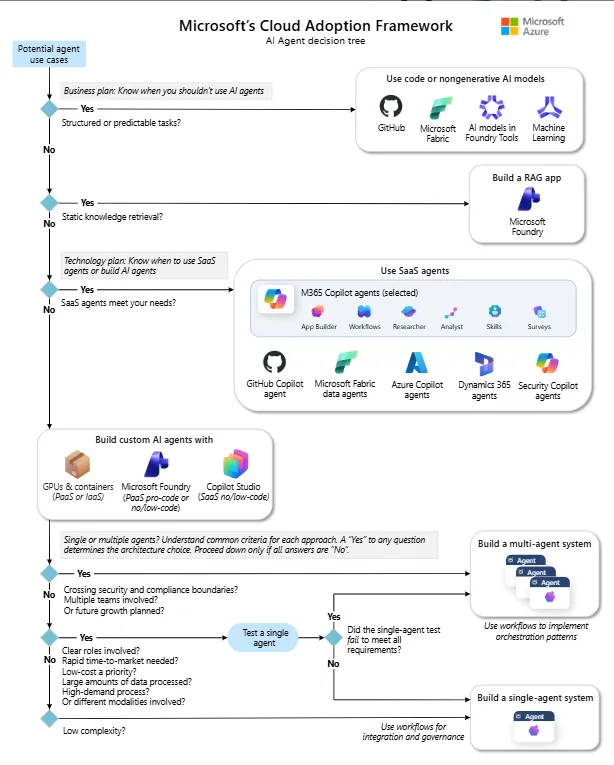
Microsoft’s conference recap highlighted expanded evaluations, a Review panel and hooks in Copilot Studio, alongside administration and spending controls through Agent 365. The practical question for your organization is how those capabilities fit the way you test and support a business process. [2]
Copilot Studio’s documented evaluation features support repeatable test sets and comparison against expected responses or quality criteria. The standard-harness guidance explains that evaluations run as the signed-in user and have authentication limitations. Follow the guidance for your agent’s experience and test the roles that will actually use it. [7]
For our equipment example, include a complete request, a missing location, an unavailable device, an unauthorized approval attempt and a service that fails to respond. Define the expected behavior for each case. Check the records and routing as well as the agent’s reply; a reassuring message does not prove that the work completed.
Microsoft also documents data policies for governing agent capabilities such as connectors and knowledge sources. Agent 365 provides an additional management layer for organizations that onboard it. Verify which controls are available and configured in your environment before relying on them. [8]
Operational ownership belongs alongside those controls. Name the business owner who approves rule changes and the technical owner who investigates failures. Give the support team a clear way to pause the agent and continue requests manually.
Track the effect on completed work. For this process, useful measures include correctly routed requests, staff time per completion, rework and human intervention. Include platform usage and support effort in the cost calculation. An agent that answers quickly but creates more follow-up work may be making the process harder.
What your organization should do next
Our recommendation is to use PPCC’s announcements to choose one manageable improvement. An equipment-request pilot could begin with collecting complete information and routing it correctly. Broader purchasing decisions can remain with the existing process while the team builds evidence.
- Choose one process and one owner. Agree on the problem, the users involved and the outcome that would justify continuing. Keep the first scope small enough to review closely.
- Establish a baseline. Review recent cases for staff time, delays and rework. Decide how you will compare the pilot with the current process before measuring an improvement.
- Check data and access. Identify authoritative records, define ambiguous business terms and document approval rules. Confirm feature availability, preview conditions and the licensing required for your chosen approach.
- Build and test in a development environment. Review proposed changes, exercise representative exceptions and verify permissions. Include recovery from failed operations and a working manual fallback.
- Run with a limited group and review the results. Examine completed cases, failures and costs with the users. Expand when the evidence supports it, with unresolved issues assigned to an owner.
The next useful step after PPCC is to select a process your team understands well enough to improve and measure. Start where the handoffs are visible, the rules can be explained and a small change can make everyday work easier.
Ready to turn a PPCC idea into a practical pilot? Talk to Armely about selecting a Power Platform use case, reviewing its data and permissions, and defining the outcomes your team will measure. Contact Armely
Technical review sources
[1] PPCC 2026 conference information
[2] Microsoft conference recap — October 29, 2026
[3] Canvas studio authoring agent announcement — October 27, 2026
[4] Dataverse plugin in Copilot Cowork — October 28, 2026
[5] Dataverse and Work IQ at PPCC — October 23, 2026
[6] Custom APIs in the Dataverse MCP Server — October 26, 2026
[7] Microsoft Learn — Agent evaluation
[8] Microsoft Learn — Copilot Studio security and governance