
Architectural Guide: Lakehouse vs. Warehouse for the Gold Layer in Microsoft Fabric
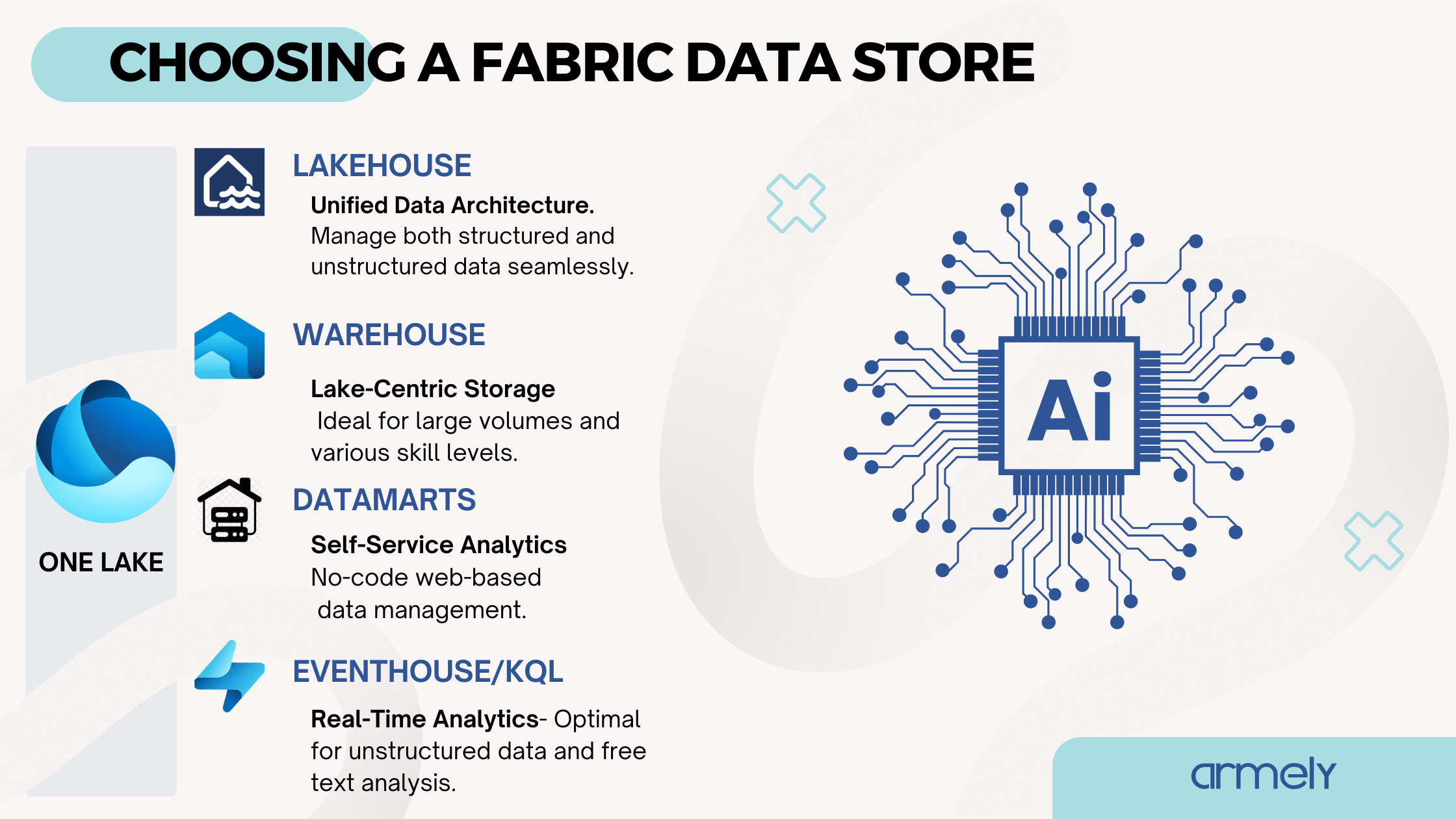
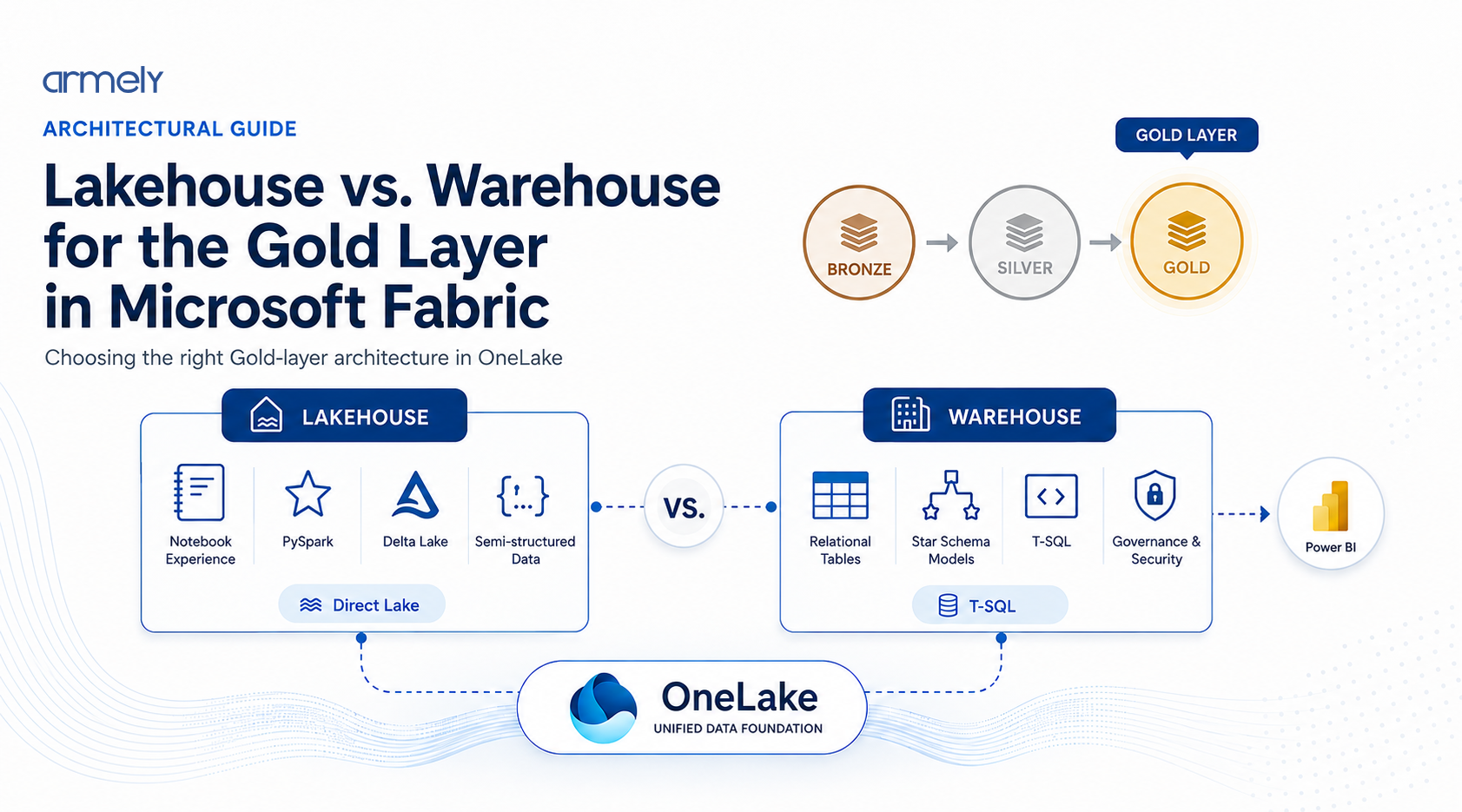
Choosing between a Lakehouse and a Data Warehouse for your Gold layer in Microsoft Fabric is one of the most critical structural decisions you will make. While both engines store data as Delta Parquet files in OneLake, their compute engines, transaction handling, security controls, and developer experiences differ significantly.
Here is a practical breakdown based on real-world engineering implementations rather than marketing documentation.
1. What Are Engineering Teams Using in Production?
Most mature Fabric implementations land on one of two architectures:
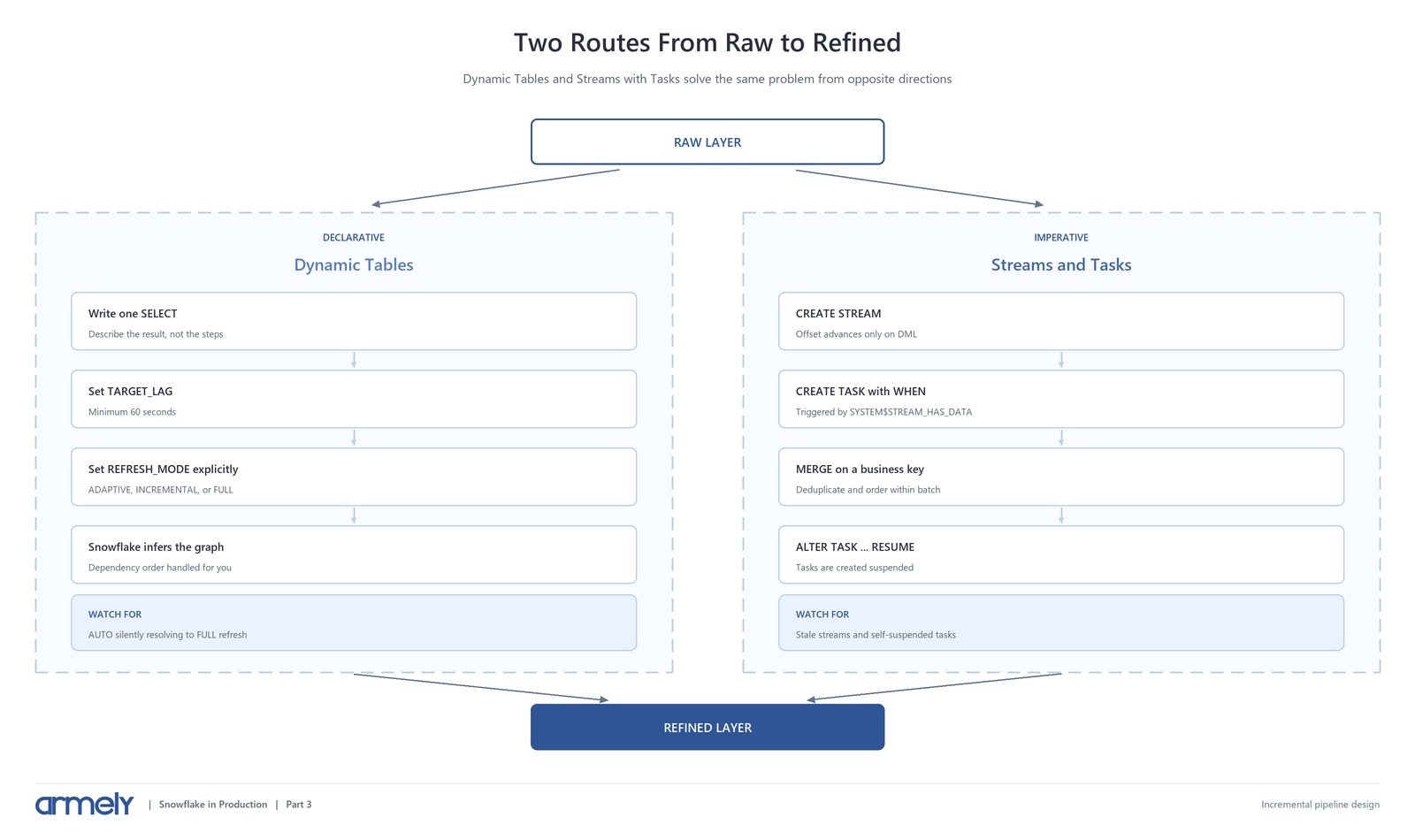
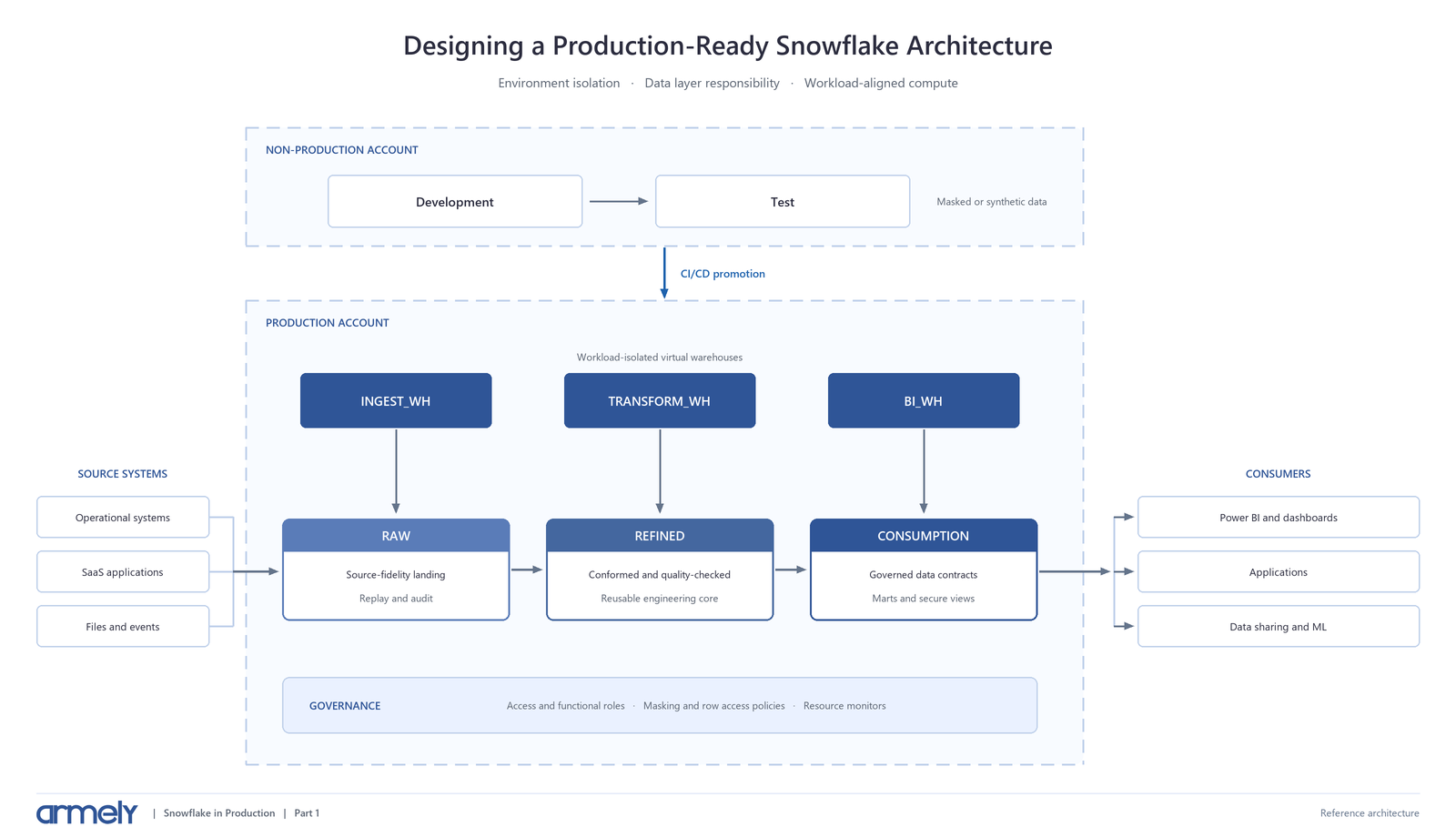
- Lakehouse-Only (Pure Spark / Delta Fabric Pattern): Teams maintain Bronze, Silver, and Gold in Lakehouses using PySpark, Spark SQL, or Delta Live Tables equivalent pipelines.
- Hybrid Architecture (Lakehouse Silver to Warehouse Gold): Teams transform raw data through Bronze and Silver in a Lakehouse using Spark, then load final dimensional models (Star Schemas) into a Fabric Data Warehouse using T-SQL or Dataflows Gen2 for downstream consumption.
A pure Warehouse-only approach across all layers is rarely optimal because the Warehouse engine lacks native file handling, unstructured data processing, and deep Python integrations required for modern raw ingestion.
2. Reasoning Behind the Architecture Decision
The decision almost always comes down to two variables: team skillset and data consumption patterns.
Why Choose Lakehouse for Gold?
- Unified Developer Stack: If your data engineering team already writes PySpark or Notebooks, keeping Gold in a Lakehouse avoids switching contexts to T-SQL.
- Schema Enforcement Flexibility: Lakehouse allows schema-on-read flexibility and complex data types (nested JSON, arrays, maps) that relational warehouses struggle to represent cleanly.
- Multi-Engine Interoperability: Data written to a Lakehouse Gold layer is immediately accessible via Spark, SQL Analytics Endpoint, shortcuts, and external tools like Databricks or DuckDB without additional access management layers.
Why Choose Warehouse for Gold?
- Relational SQL Expertise: Enterprise teams with deep T-SQL and SQL Server Management Studio (SSMS) experience find the Warehouse familiar.
- Traditional DDL/DML Support: Full support for INSERT, UPDATE, DELETE, MERGE, and multi-table transactions via T-SQL scripts without writing Spark code.
- Object-Level Security Requirements: If your reporting layer requires fine-grained Object-Level Security (OLS), Column-Level Security (CLS), or Row-Level Security (RLS) managed natively via T-SQL grants, Warehouse provides a more traditional relational administrative model.
3. Real-World Advantages
Advantages of Lakehouse Gold
- Lower Compute Overhead: Spark jobs can be finely tuned using dynamic allocation and custom cluster sizes. You avoid paying for always-on relational engine overhead during idle times.
- Advanced Analytics and ML Readiness: Data science teams can consume Gold tables natively in Python notebooks without exporting or converting data.
- V-Order Optimization Control: You have direct programmatic control over maintenance commands like OPTIMIZE and VACUUM directly within your ETL notebooks.
Advantages of Warehouse Gold
- Familiar Governance: Database administrators can manage permissions using standard SQL syntax (GRANT SELECT ON SCHEMA...) rather than relying purely on workspace roles or lake-level ACLs.
- Cross-Database Queries: Querying across multiple Warehouses using standard 3-part naming syntax is seamless for SQL developers.
- Primary/Foreign Key Constraints (Informational): Warehouses allow you to define primary and foreign key constraints. While not enforced during write, Power BI uses these constraints to automatically generate relationship topologies in semantic models.
4. Limitations and Real-World Challenges
Challenges with Lakehouse Gold
- SQL Read-Only Limitations on Analytics Endpoint: The SQL Analytics Endpoint attached to a Lakehouse is strictly read-only. You cannot write T-SQL UPDATE or DELETE statements against it; all writes must happen via Spark or pipelines.
- Concurrency Overhead: High-concurrency ad-hoc T-SQL querying against the SQL Analytics Endpoint can hit throttling limits faster than a dedicated Warehouse compute engine.
- Governance Complexity: Setting up row- and column-level security on the SQL Analytics Endpoint has historically lagged behind native relational database engines.
Challenges with Warehouse Gold
- No File System Access: You cannot browse the underlying OneLake folder structure or interact directly with raw files using file APIs.
- Lack of Python Native Access: Spark engines cannot directly write to a Warehouse table without using the SQL endpoint or dedicated connectors, which introduces serialization bottlenecks.
- Restricted T-SQL Surface Area: Fabric Warehouse does not support full SQL Server T-SQL functionality (e.g., certain system stored procedures, indexes, or spatial types are omitted or work differently).
5. Impact on Power BI Performance
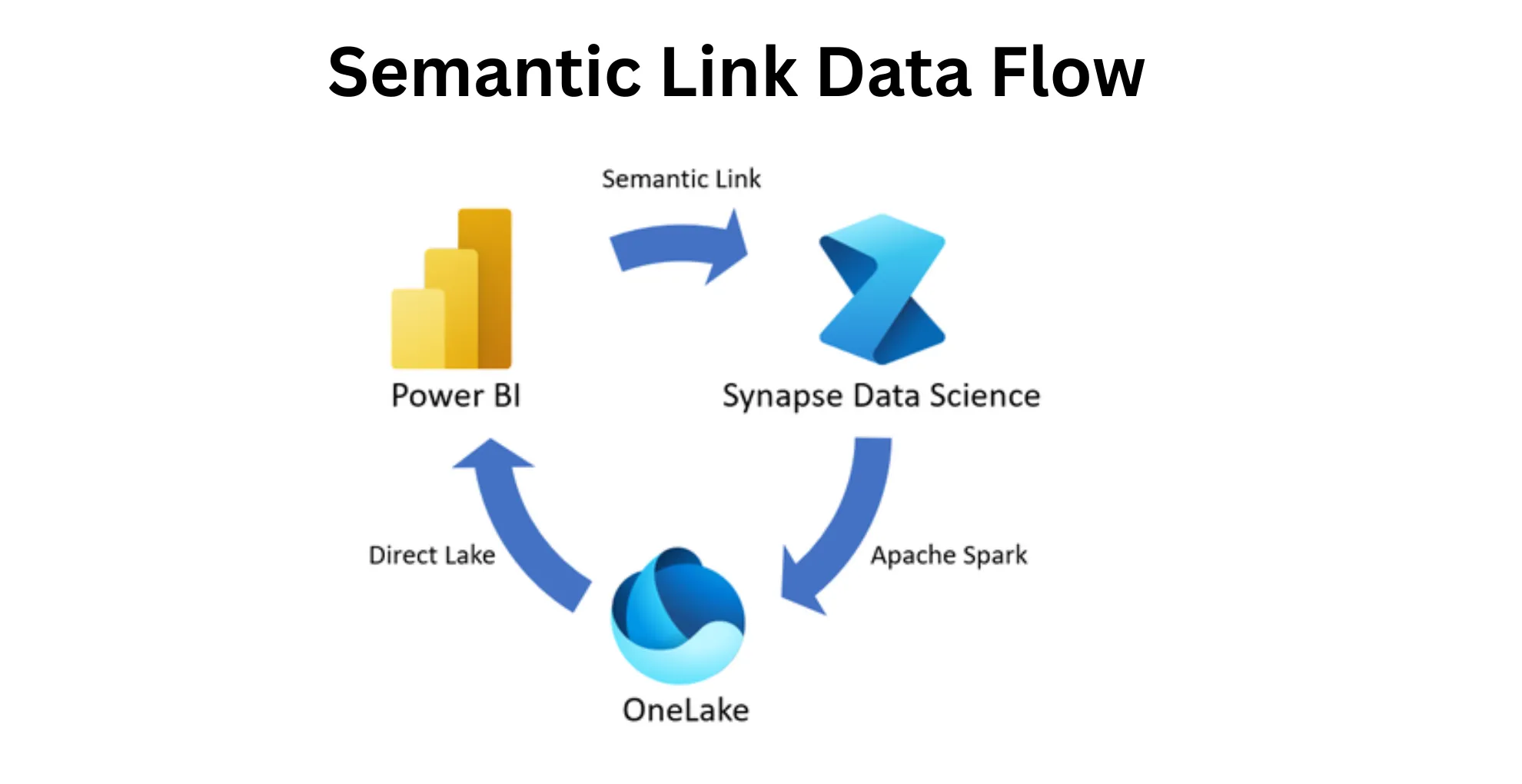
Both Lakehouse and Warehouse leverage Direct Lake mode in Power BI, which reads Delta Parquet files directly from OneLake into the VertiPaq memory engine without importing data or converting queries to DAX-to-SQL translations.
However, key operational differences affect Power BI:
Direct Lake via Lakehouse
- Power BI connects directly to the Delta files via the SQL Analytics Endpoint or direct OneLake path.
- If a visual requests columns not yet loaded into memory, Fabric pages them in seamlessly.
- Because Spark writes raw Delta tables, ensuring V-Order optimization is executed after batch writes is required to maintain peak Direct Lake performance.
Direct Lake via Warehouse
- Power BI connects to the Warehouse via its native endpoint.
- The Warehouse automatically handles V-Order sorting during write operations, removing the need to manually orchestrate optimization jobs for Direct Lake queries.
- If complex views with unsupported operations are used in the Warehouse, Power BI may fall back from Direct Lake mode to DirectQuery mode, causing significant query latency.
Decision Matrix for Implementation
|
Criteria |
Choose Lakehouse Gold |
Choose Warehouse Gold |
|
Primary Team Skillset |
PySpark, Scala, Python |
T-SQL, SSMS, DBA background |
|
Data Types |
Nested JSON, Unstructured, Semi-structured |
Strictly Tabular / Star Schema |
|
Write Operations |
Programmatic batch/stream via Spark |
T-SQL stored procedures and MERGE |
|
Power BI Integration |
Direct Lake (requires manual V-Order orchestration) |
Direct Lake (automatic V-Order applied) |
|
Security Requirements |
Workspace / Lake-level security |
Native T-SQL RLS, CLS, and OLS |
Practical Recommendation
For most enterprise implementations starting today:
- Use Lakehouse for Bronze and Silver layers to handle ingestion, schema drift, parsing, and heavy data transformation using PySpark.
- If your reporting team consists primarily of SQL developers and Power BI data modelers who require strict dimensional modeling and schema governance, publish the final Gold layer into a Warehouse.
- If your team is fluent in Spark and wants to minimize compute duplication, keep Gold in the Lakehouse and connect Power BI directly via Direct Lake mode, ensuring an automated post-ingestion notebook runs OPTIMIZE with V-Order enabled.