
As organizations scale, managing enterprise data analytics transitions from a purely technical challenge to an operational governance milestone. In an enterprise environment, business leaders constantly find themselves balancing two competing forces: centralized data control (ensuring a single source of truth, security, and compliance) and business agility (empowering departmental teams to build reports quickly without IT bottlenecks).
At Armely LLC, we specialize in designing and implementing high-performing, scalable enterprise analytics solutions. For organizations looking to bridge the gap between IT governance and self-service enablement—concepts heavily emphasized in the Microsoft DP-800 framework—the gold standard architecture is the Hub-and-Spoke Model.
In this post, we’ll break down how to design a hub-and-spoke ecosystem that guarantees enterprise-grade performance, scalability, and seamless data governance.
Defining the Hub-and-Spoke Model
In a traditional, siloed data environment, every department builds its own semantic models (formerly datasets), pulling data directly from source systems. This inevitably leads to duplicate business logic, inconsistent metrics (e.g., Finance and Sales defining "Revenue" differently), and severe, unnecessary strain on source systems.
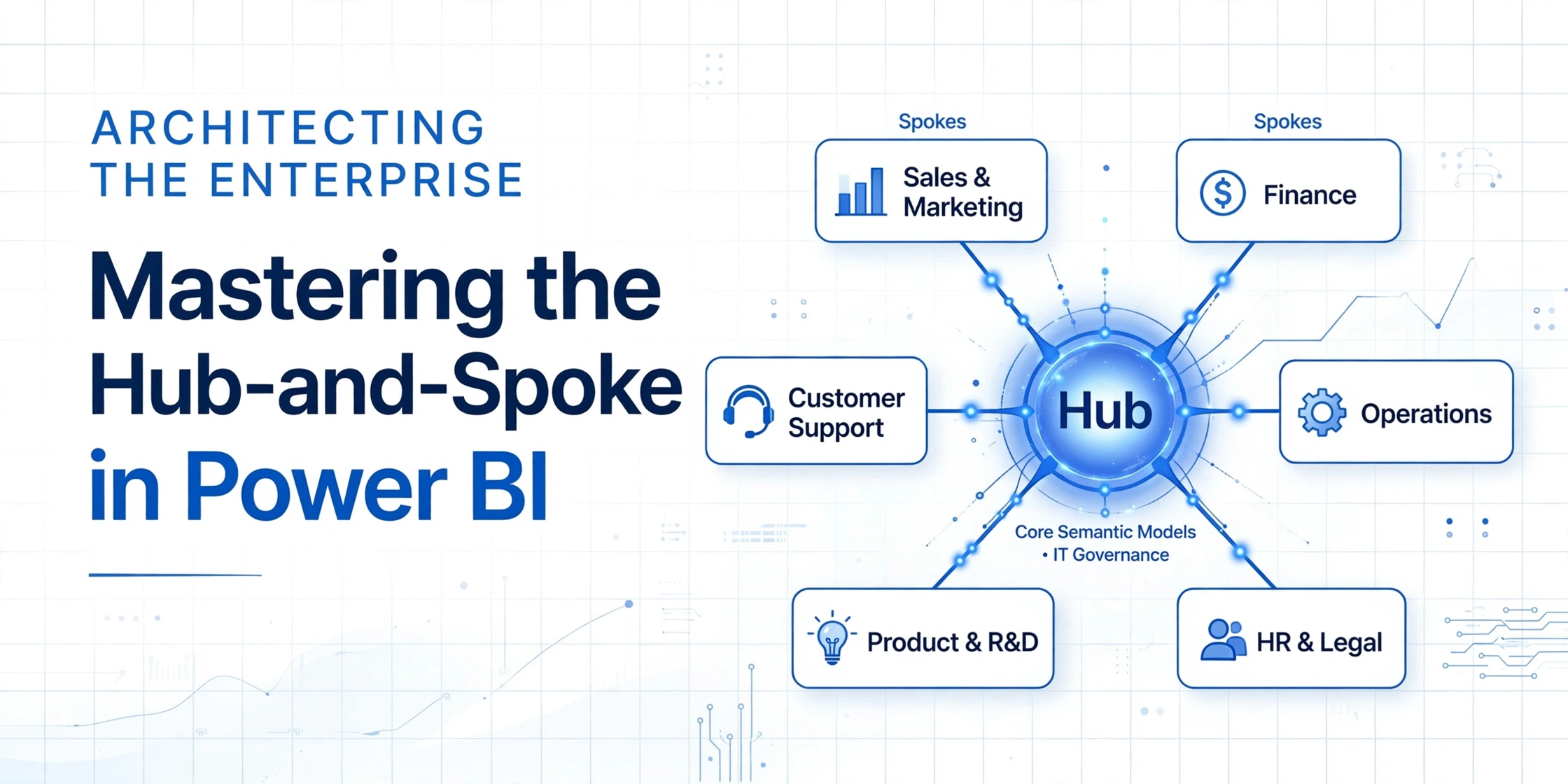
The Hub-and-Spoke model eliminates these friction points by completely decoupling data modeling from report authoring:
- The Hub (Centralized IT/Core Data Team): Responsible for data ingestion, robust data transformations, row-level security (RLS), and building the Core Semantic Models. These are the certified, single-sources-of-truth hosted in secure, premium corporate workspaces.
- The Spokes (Business Units/Departments): Responsible for building localized reports, dashboards, and specialized ad-hoc analyses. Instead of rebuilding the data model, spoke teams connect directly to the hub's master semantic models.
Step-by-Step Enterprise Implementation
Implementing this architecture at an enterprise scale requires deep technical precision and strategic utilization of the Microsoft data stack.
1. Establish Secure "Hub" Workspaces & Certify Models
First, isolate your core data assets into dedicated, highly secure workspaces managed by your core data team. Once the master semantic model is published:
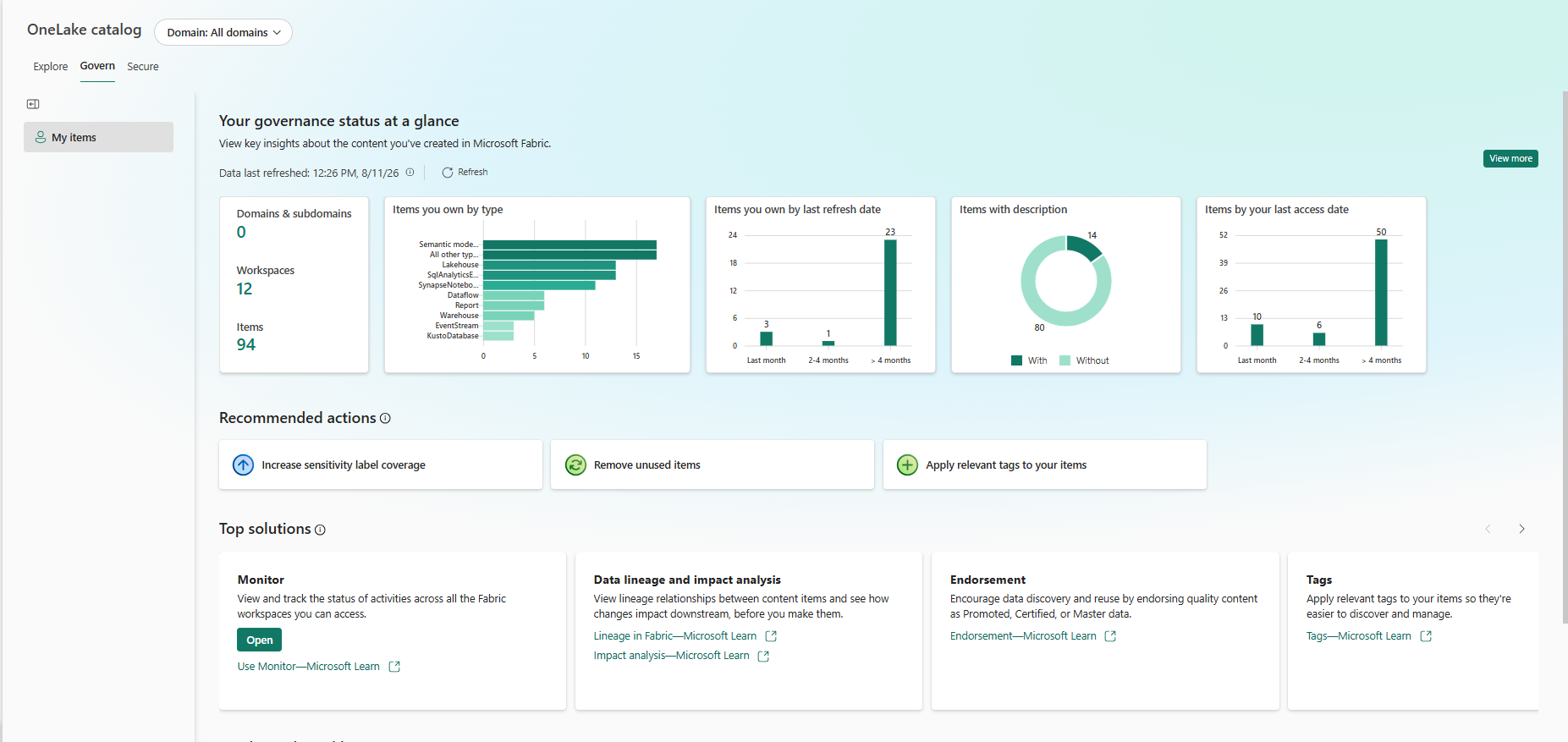
- Apply Data Endorsement: Turn on Certification for the model. Certified models signal to the entire organization that this data is trusted, validated, and authoritative.
- Configure Build Permissions: Grant business analysts in your "spokes" Build permissions on this model rather than edit permissions to the workspace itself. This allows them to read and build custom visualization layers on top of the data while completely safeguarding the underlying master business logic.
2. Leverage DirectQuery for Composite Models (Chaining)
A common challenge occurs when a regional analyst needs the corporate semantic model but must mix it with localized data (like a temporary Excel spreadsheet tracking a regional campaign).
Historically, this forced teams to duplicate and rebuild massive data models. With DirectQuery for Power BI semantic models, the spoke analyst can simply:
- Create a live connection to the corporate Hub model.
- Convert the connection to DirectQuery mode.
- Combine it with local data sources to create a specialized Composite Model.
This creates a clean data lineage chain without duplicating massive enterprise data tables or exhausting storage.
3. Implement Strict Capacity & Resource Management
Enterprise scale means heavy concurrent query loads. To prevent resource-intensive departmental queries from degrading performance for the rest of the corporation, Armely implements advanced capacity guardrails:
- Placing Hub workspaces on dedicated Fabric or Power BI Premium capacities with optimized memory allocations.
- Utilizing Incremental Refresh on large corporate fact tables within the Hub to keep refresh windows tight and memory footprints low.
- Monitoring performance bottlenecks proactively using capacity metrics apps to isolate runaway queries before they impact business operations.
The Armely Advantage
Architecting for the enterprise isn't just about writing efficient DAX or setting up data gateways—it’s about designing frameworks that scale seamlessly with your human capital. The Hub-and-Spoke model empowers business units to run fast and innovate (Spokes) while safeguarding data integrity, security, and architectural performance at the core (Hub).