


Automation is evolving, and Power Automate is leading the charge with new AI-powered capabilities. Microsoft has introduced a suite of AI-driven enhancements that make automation smarter, more efficient, and deeply integrated with enterprise workflows. From Generative AI to process mining improvements, these updates unlock new possibilities for businesses seeking to optimize operations.
1. AI-Powered Generative Actions in Power Automate

One of the most significant updates is the introduction of Generative AI-powered actions, allowing users to automate workflows using natural language. With this feature, users can describe their automation needs, and Power Automate’s AI will generate a corresponding flow.
Key Benefits:
- Simplifies automation for non-technical users
- Reduces time spent on manual workflow configurations
- Enhances workflow customization with AI suggestions
2. Advanced Document Processing with AI & GPT

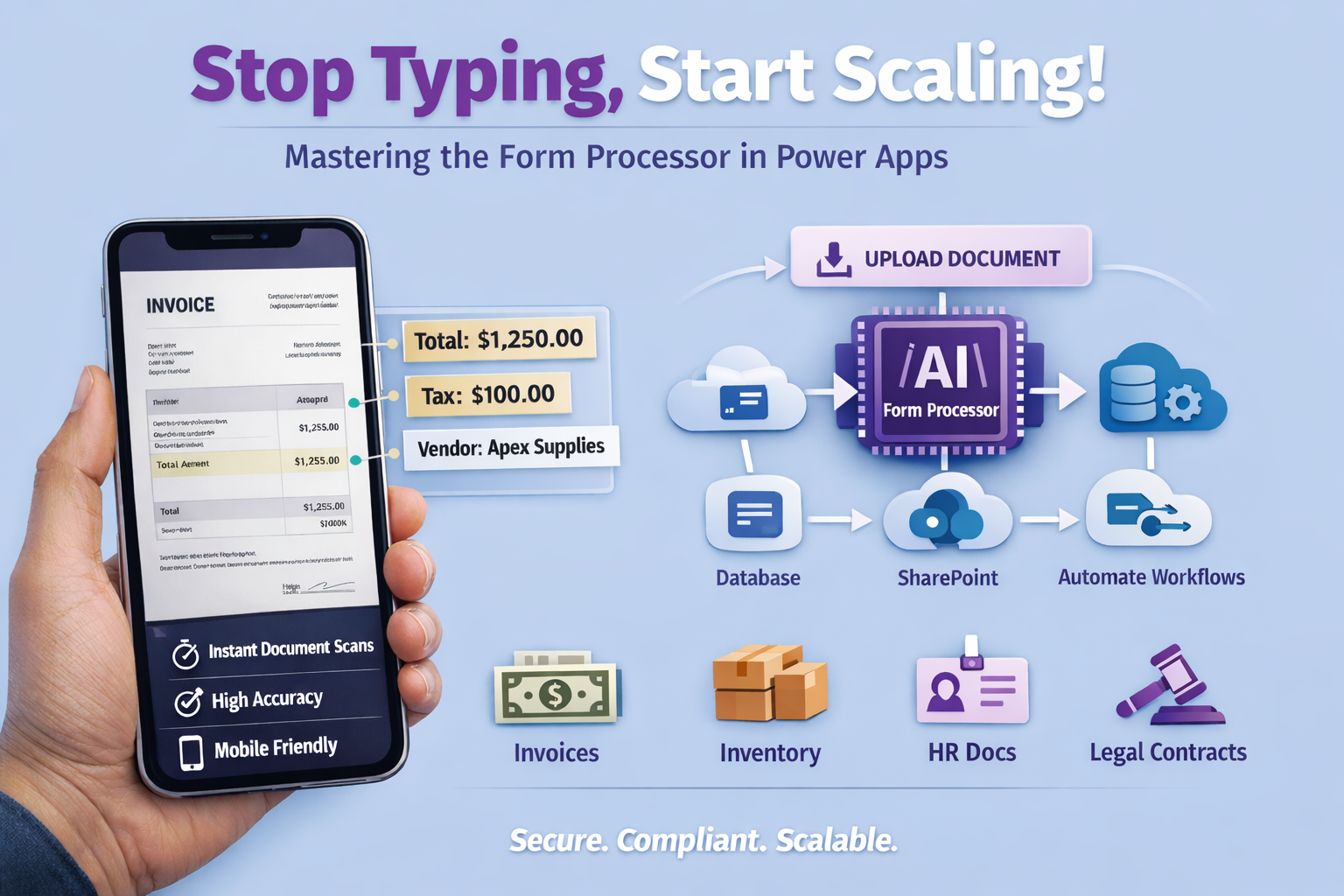
Processing unstructured data has always been a challenge. Now, with AI-powered document processing, Power Automate can intelligently extract key information from invoices, receipts, and reports using GPT capabilities.
Use Case Example: Extracting invoice details and automatically populating fields in SharePoint or sending reports to finance teams.
3. Copilot Expression Assistant

Creating expressions in Power Automate can sometimes be tricky, especially for beginners. The new Copilot Expression Assistant allows users to describe what they want in plain language, and AI will generate the appropriate expression.
Why it’s a Game-Changer:
- Eliminates the need for memorizing Power Automate expressions
- Reduces troubleshooting and debugging time
- Makes Power Automate more accessible to new users
4. Record and Repair Flows with Copilot

Errors in automation workflows can be frustrating. Microsoft has introduced Copilot-driven debugging and repair features, which allow users to identify and fix issues in both attended and unattended modes.
How it Works:
- Copilot analyzes failed runs and suggests fixes
- It highlights syntax errors, timeouts, and quota limitations
- Provides automated recommendations for optimizing flows
5. Process Mining Enhancements: AI-Driven Insights
Power Automate now features enhanced process mining capabilities, helping businesses analyze bottlenecks and optimize workflows. Users can now:
- Simulate different process improvements before implementing changes
- Use AI-driven insights to recommend workflow optimizations
- Monitor inefficiencies across entire business processes
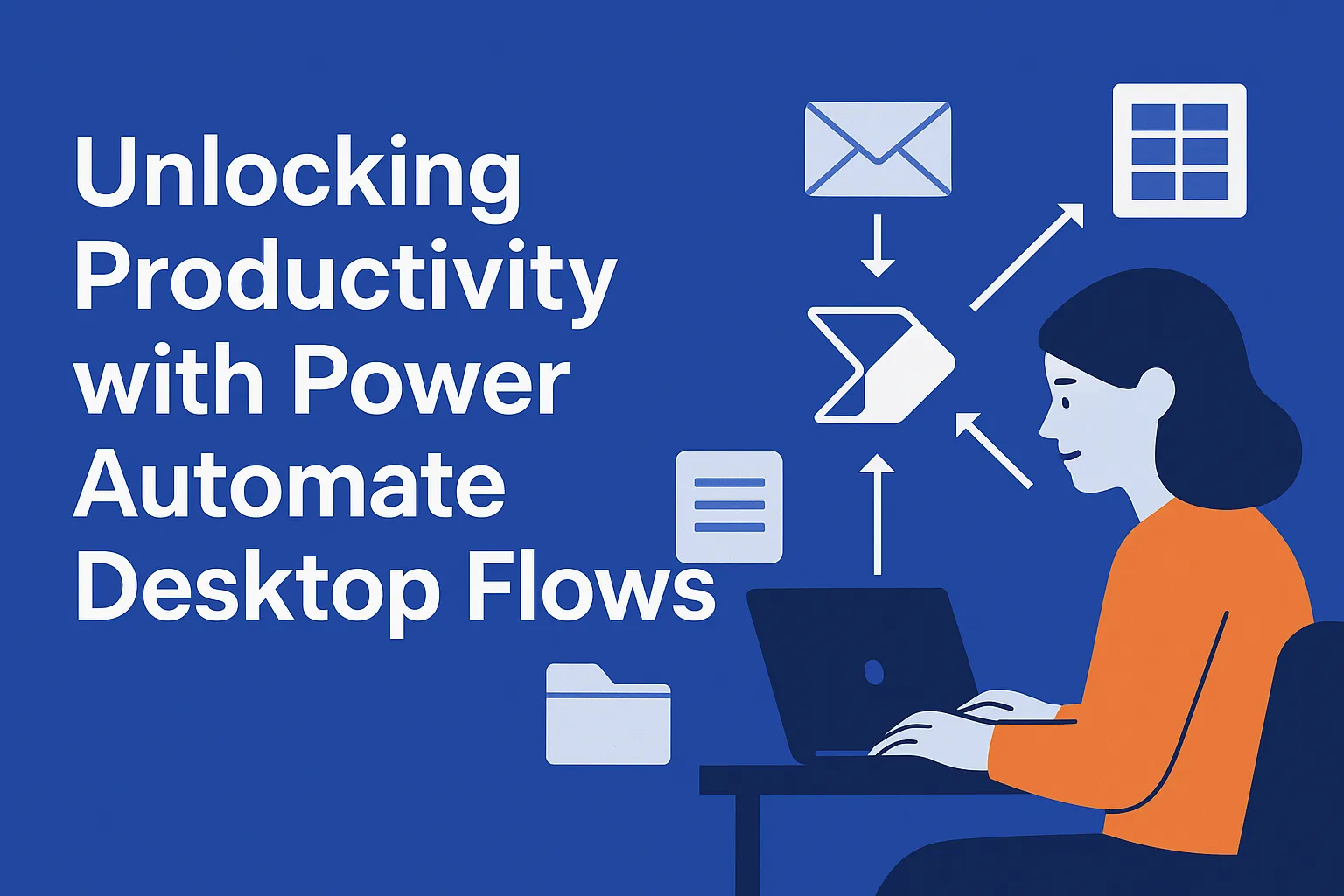
6. Recent Power Automate Desktop Updates
For Power Automate Desktop (RPA users), new AI-driven updates include:
✅ Cloud Connectors in PAD – Now integrate with online services
✅ Concurrent Desktop Flow Runs – Run multiple automations simultaneously
✅ Dark Mode – A much-requested UI improvement
✅ Microsoft Access Actions – Expanding data connectivity options
7. Governance and Security Upgrades

Finally, enterprise users will benefit from new governance features such as:
- Automation Center for monitoring workflows
- Customer Managed Keys (CMK) for securing automation environments
- AI-driven security analysis for detecting anomalies in automation
Power Automate’s latest AI features are reshaping automation by making workflows smarter, easier to manage, and more efficient. When working with cloud flows, RPA, document processing, or process mining, these AI-driven capabilities will help businesses optimize their automation strategies like never before.
Which of these AI features are you most excited about?